

步骤 1:Midjourney 首帧概念图锁定——“红色光束”
首帧是定调画面的核心。我们聚焦于 “MIDI 键盘特写” 结合 “红色体积光”。
我们用Midjourney V7.0(https://www.midjourney.com)
关键 Prompt 模板:
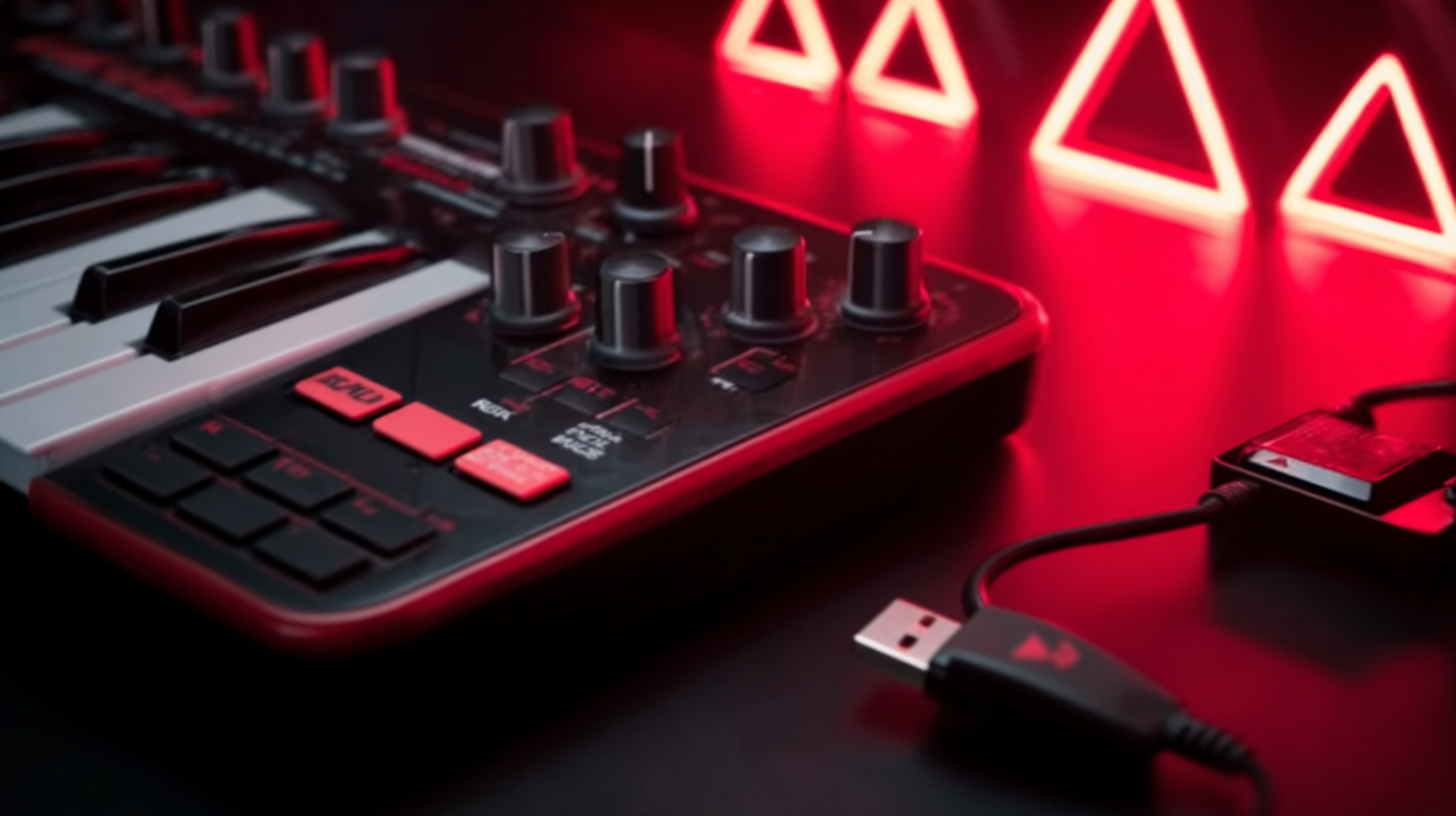
-A professional hero shot of a black MIDI keyboard, glowing red keys, with thin volumetric god-ray light beams of deep red color behind, standing on a reflective black-mirror pedestal. Dark industrial stage background, dramatic spotlight, high contrast, cyberpunk atmosphere, center composition, ultra-realistic commercial lighting.
思路拆解:
主体 :明确指定“黑色 MIDI 键盘、红色发光按键,确保产品细节精准还原。 强调“反光黑色镜面底座”,提升科技产品的高级质感。
环境 :红色体积光(God-ray light beams of deep red),营造赛博朋克和硬核电竞的氛围感,让光线成为画面的主角。
风格 :“Ultra-realistic commercial lighting”(超写实商业布光),模拟专业影棚拍摄,保证画质的电影级精度。
构图 :中心构图 + Hero Shot,将键盘作为绝对的视觉中心。
色彩 :高对比、暗调,凸显黑色机身与红色光晕的视觉碰撞,强化科技冷感。
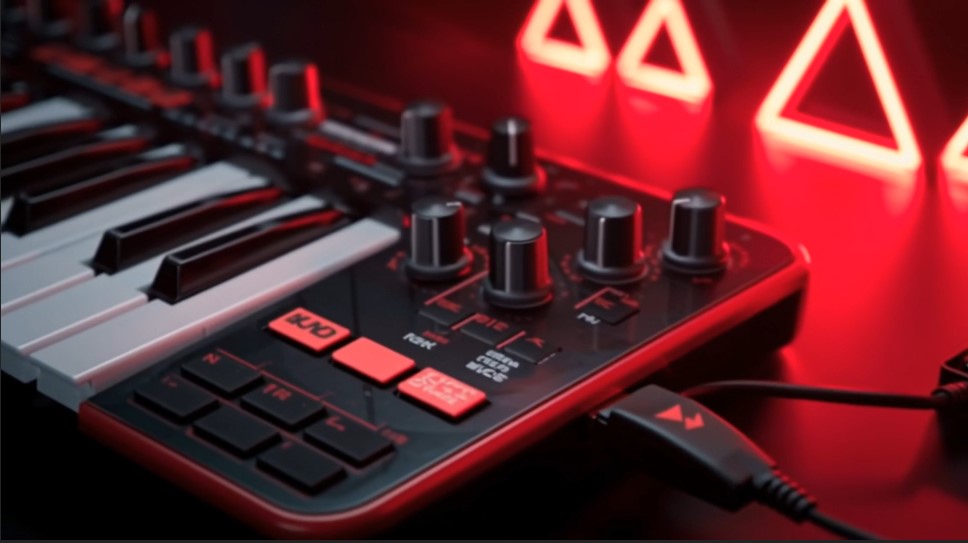
为了后续视频的平滑衔接,我们需要一个“插入USB”的画面。
这一步我们用即梦 AI(https://jimeng.jianying.com)
上传 “图1 首帧”。
输入提示词:
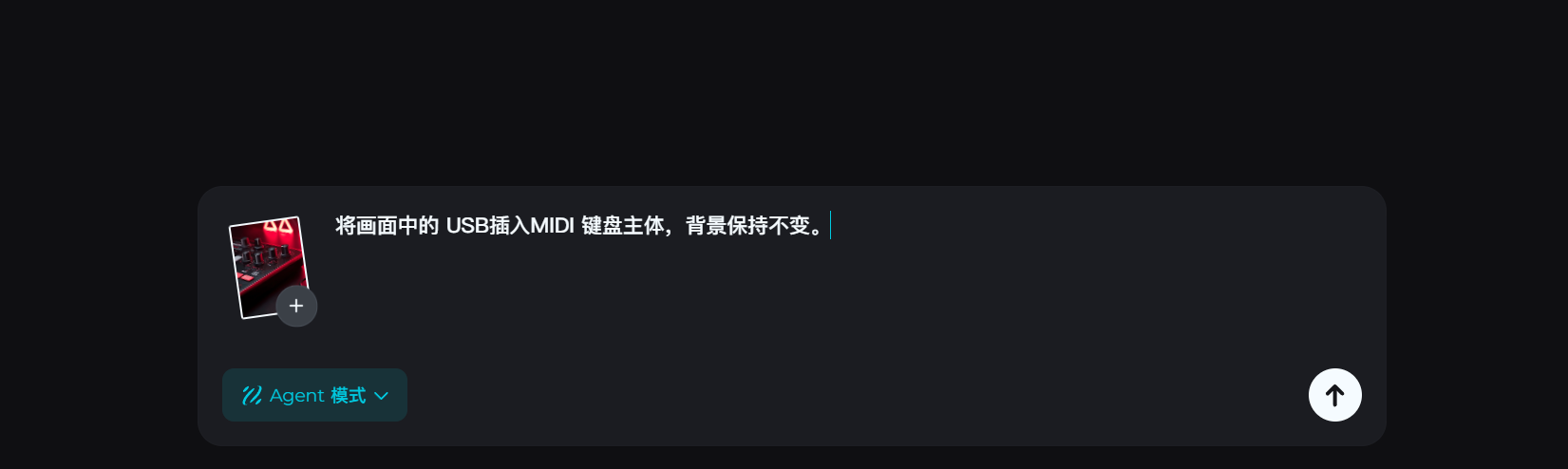
将画面中的 USB插入MIDI 键盘主体,背景保持不变。
多生成几次,选则一版合适的:
步骤 2:多段动态视频素材生成——“动态叙事”
我们继续用Midjourney生成其他的脚本分镜:
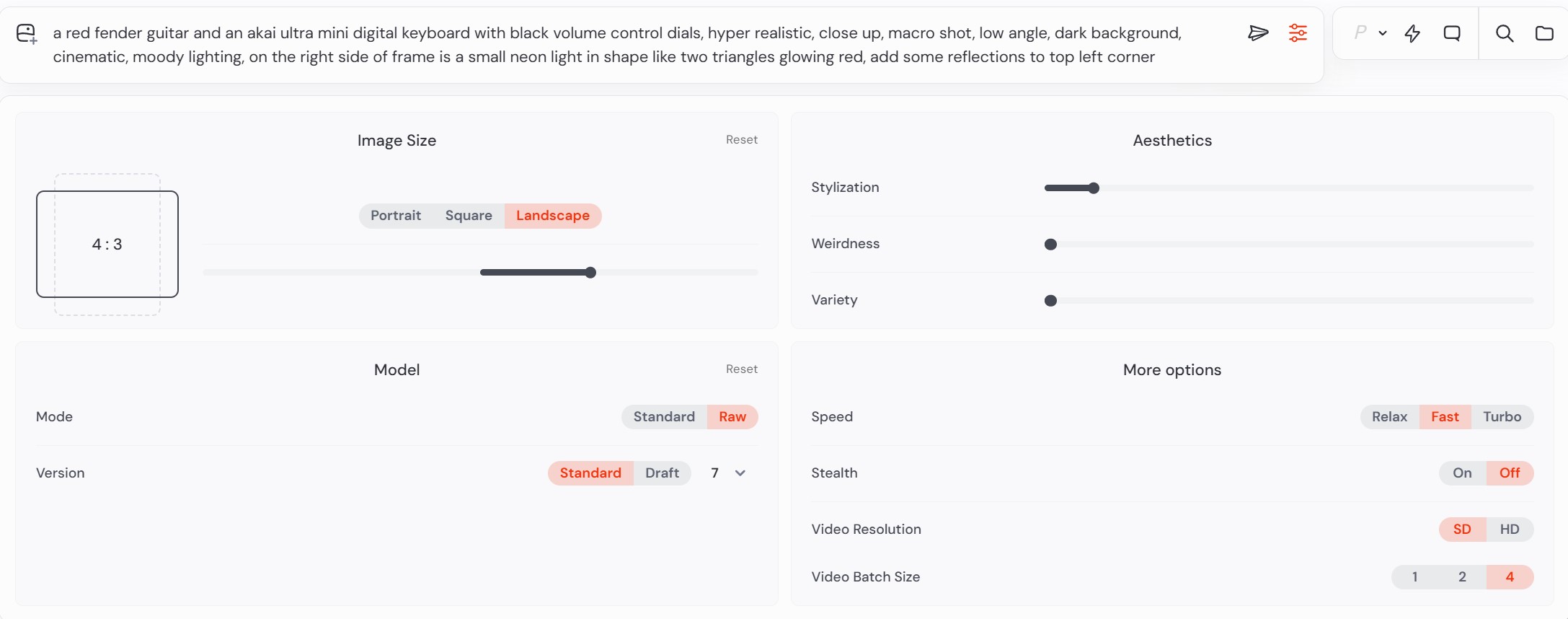
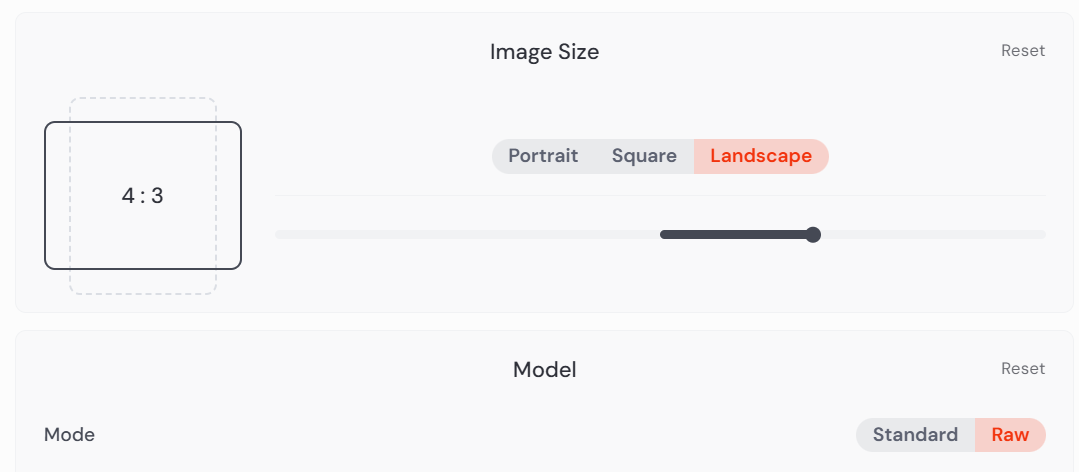
在左上角选择我们需要的尺寸,由于我们需要更真实的质感,这里选用Raw模式。
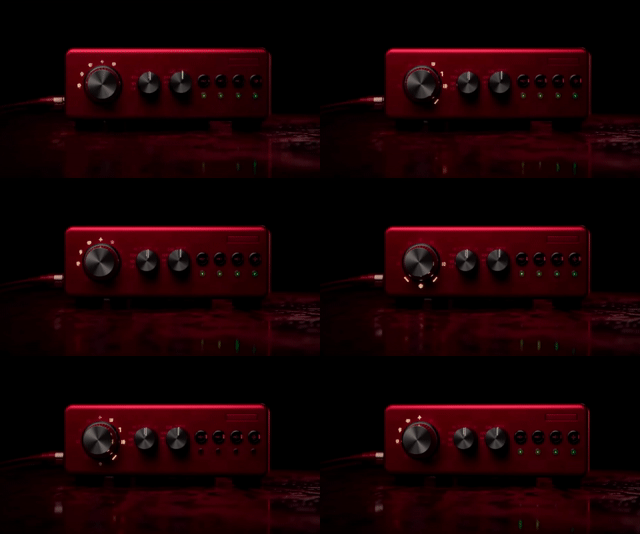
镜头 1:
-a red music player with black buttons and an led light on the front, placed in a dark environment, product photography, hyper-realistic.
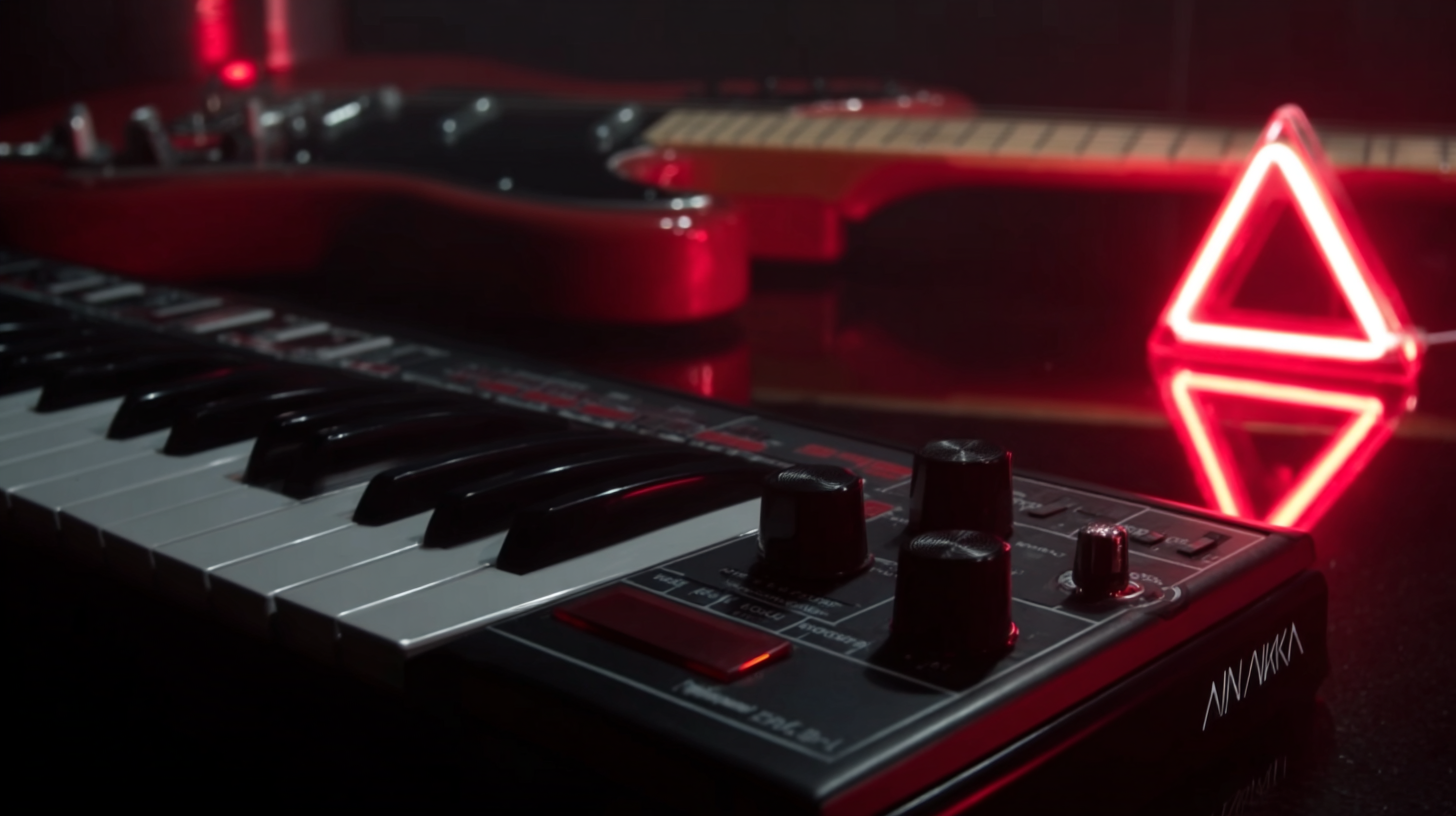
镜头2:
-a red fender guitar and an akai ultra mini digital keyboard with black volume control dials, hyper realistic, close up, macro shot, low angle, dark background, cinematic, moody lighting, on the right side of frame is a small neon light in shape like two triangles glowing red, add some reflections to top left corner
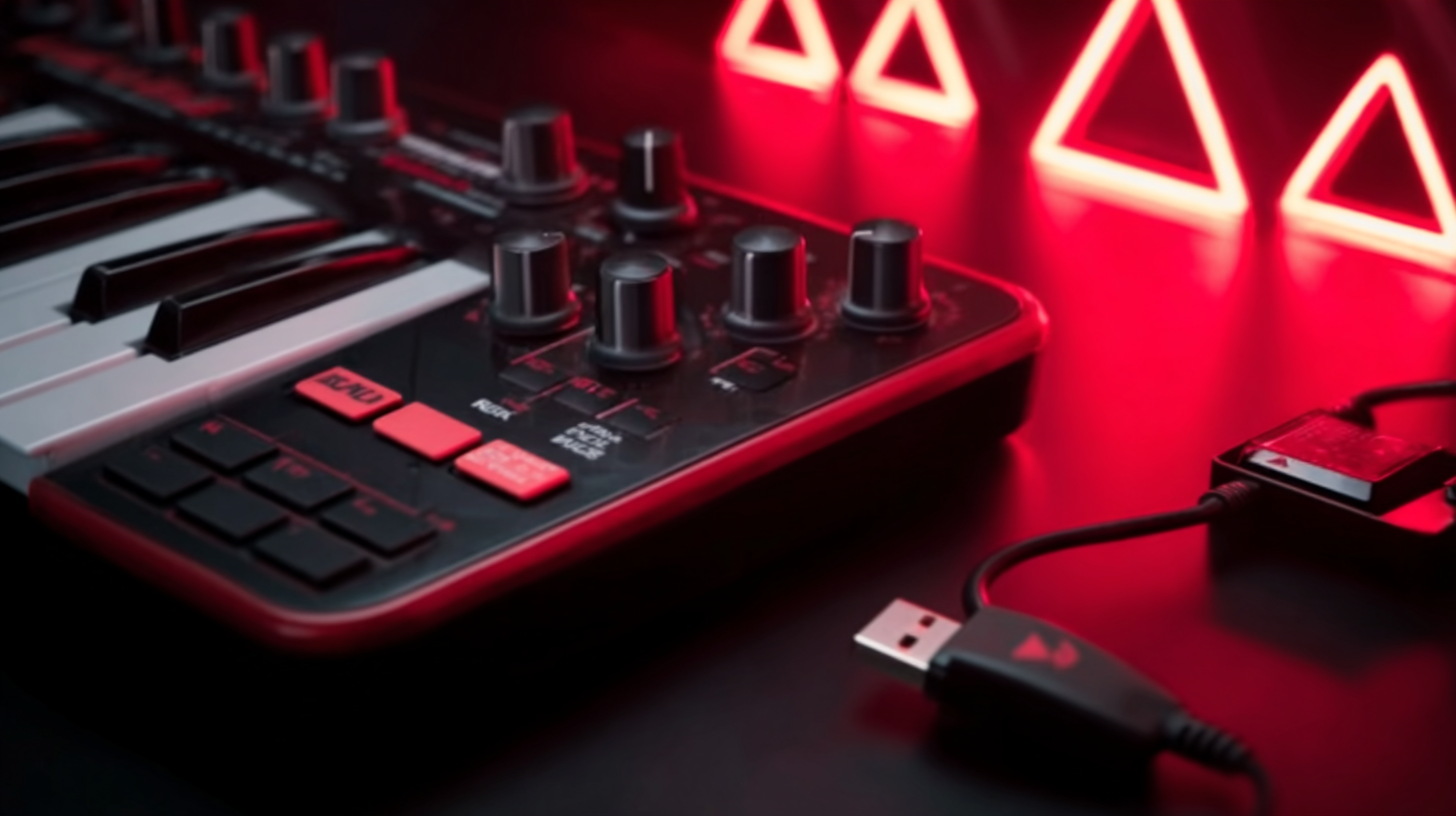
镜头3:
-The picture shows an MIDI keyboard controller, which is a commonly used device in music production. The main body of the device is predominantly black, with red decorations on the edges, featuring a stylish and tech-savvy design. The device is equipped with multiple black knobs and buttons for adjusting parameters such as tone and volume, as well as black-and-white keys and black drum pads, meeting various operational needs in music creation. Next to the device, there is a black USB data cable, with one end connected to the device and the other end remaining unused. The background features a red lighting effect, accompanied by several glowing triangular decorations, creating a music creation scene filled with a sense of technology and artistry. This highlights the professionalism and trendiness of the music device in electronic music production.
镜头4:
-red, triangular-shaped light is seen in the dark, a screenshot from an old vhs tape.
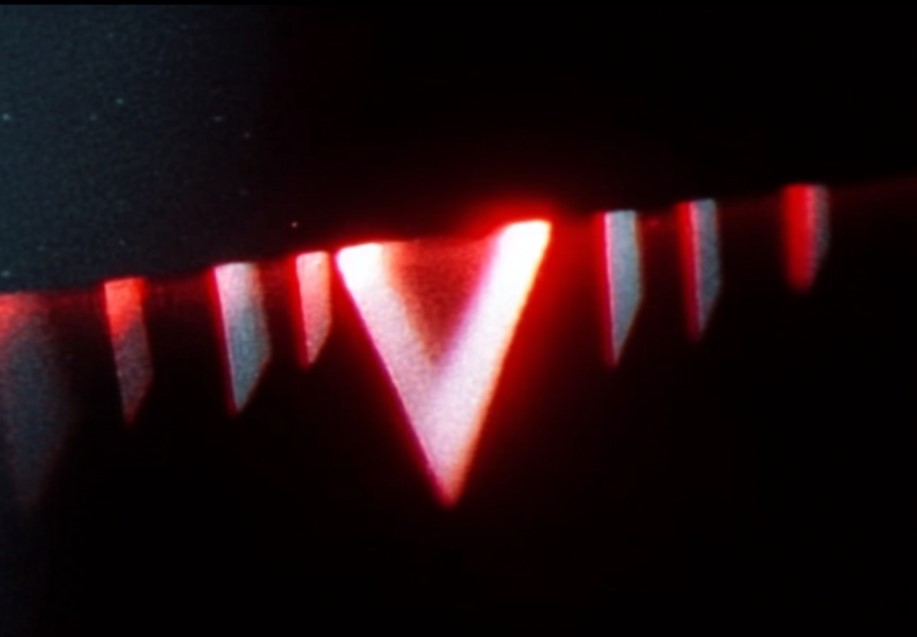
分镜5
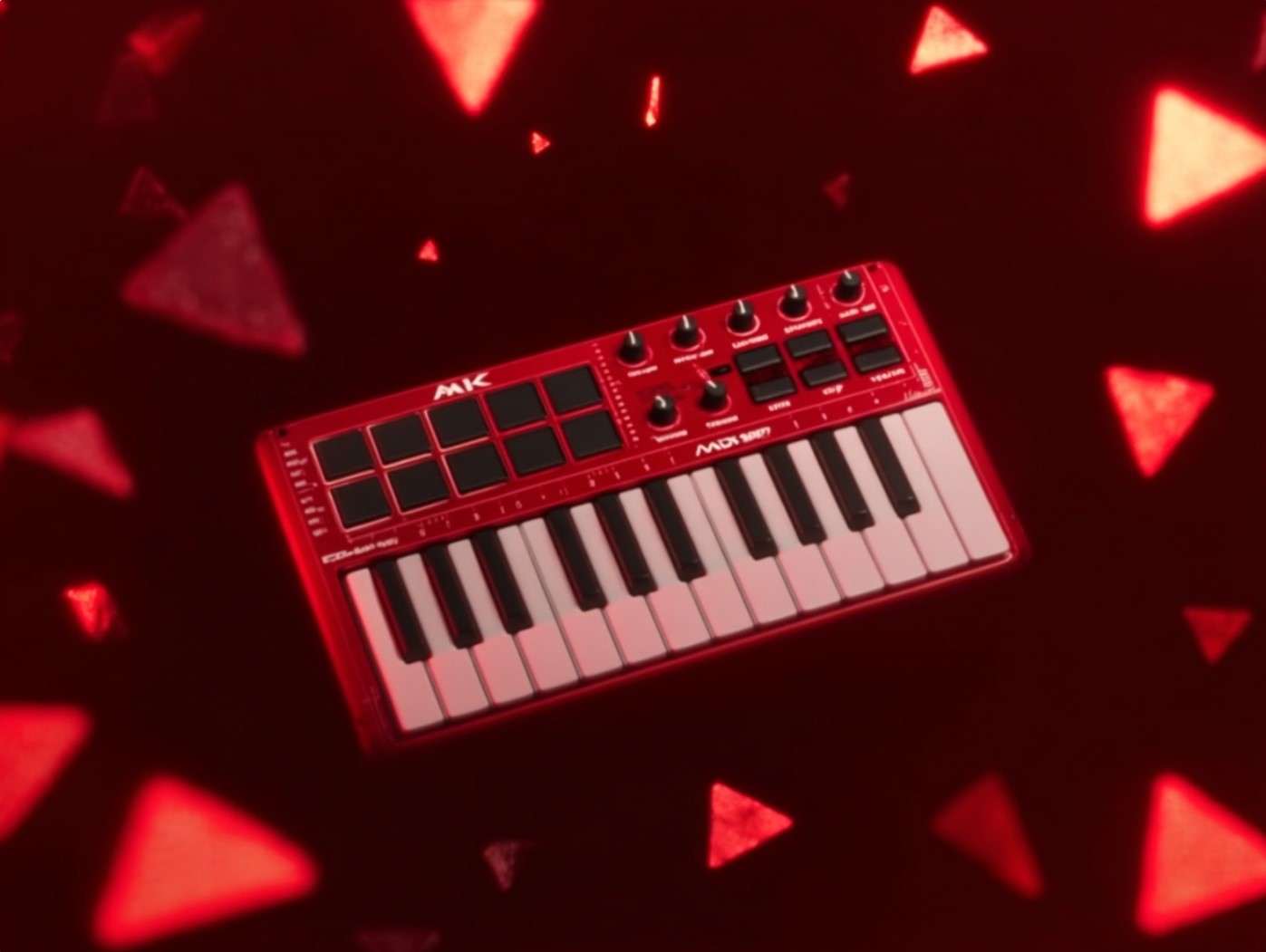
-In the scene is a red mini MIDI keyboard controller, featuring black keys, drum pads, and control knobs. Set against a deep red background, it is adorned with numerous glowing red triangular decorations around it. The overall scene creates a visual atmosphere full of technological sense and trendy vibes, highlighting the professionalism and coolness of this music device.
步骤 3:剪辑收尾 - 卡点与流畅衔接
将所有 AI 生成的视频素材导入剪辑工具(如:剪映、AE)。
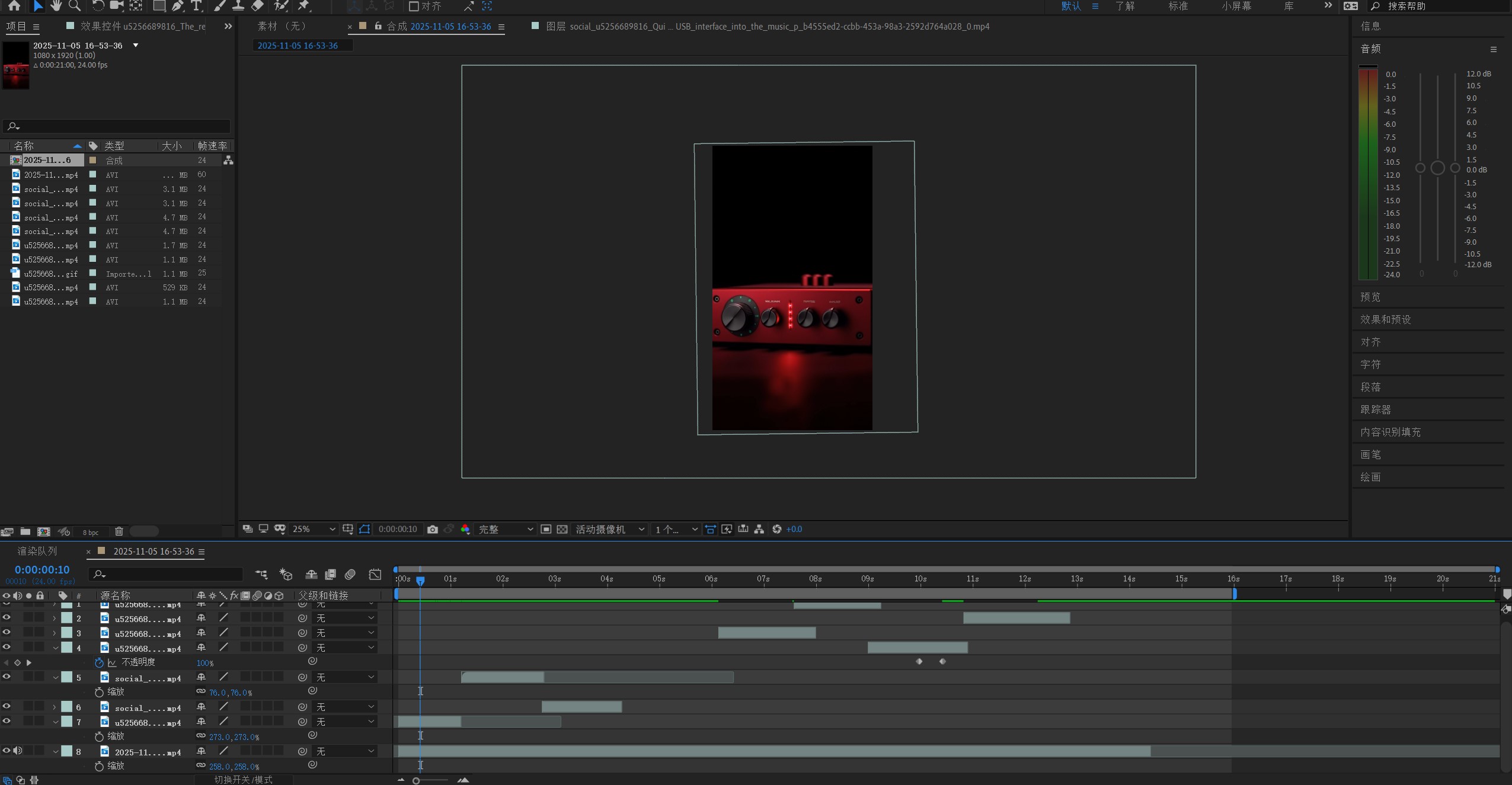
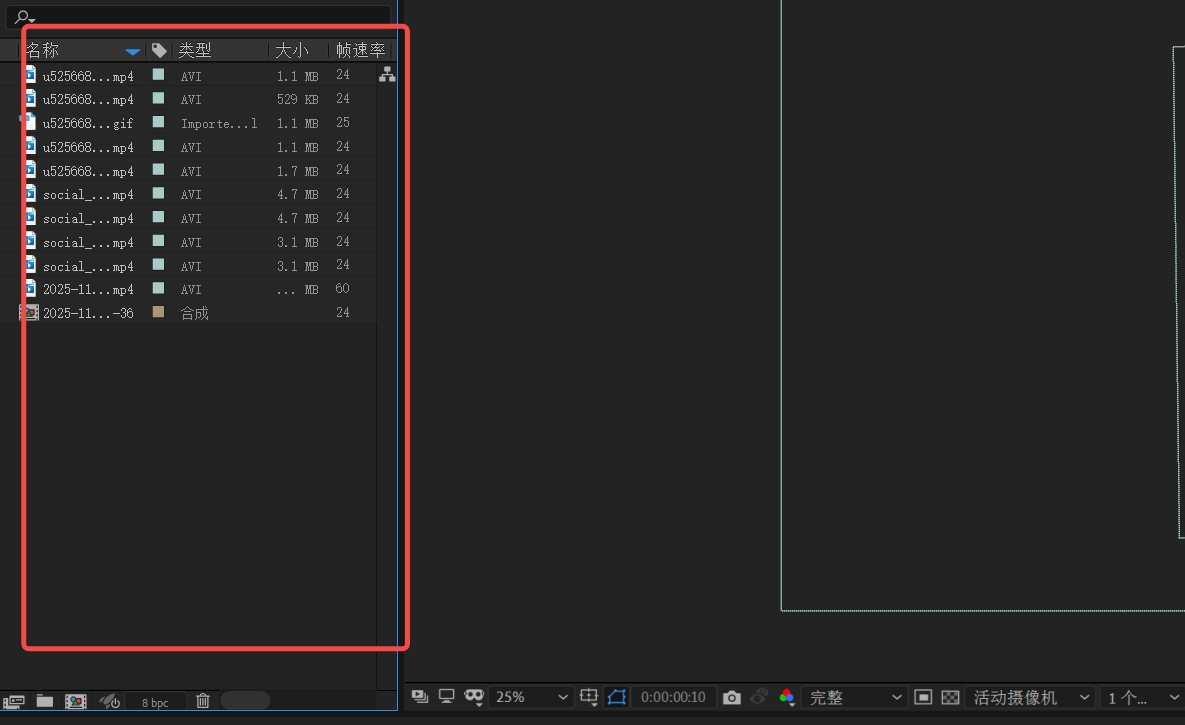
将所有视频素材拖进左边的项目栏
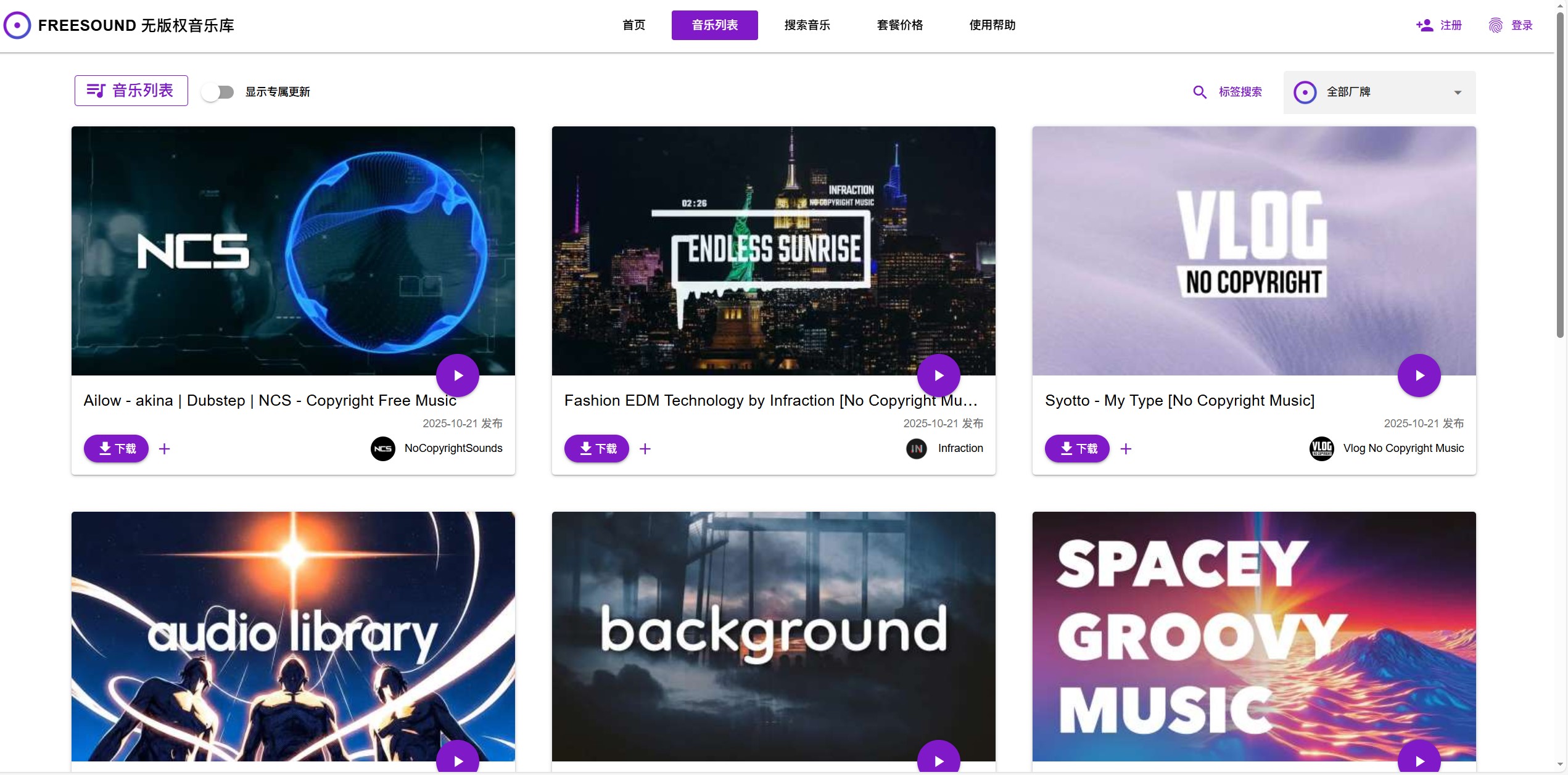
我们可以登录Freesound,(https://www.freesound.cn/sound)
找寻一首合适的BGM,在音频库中搜索“硬核科技”或“赛博朋克”关键词,选择节奏感强的 BGM。
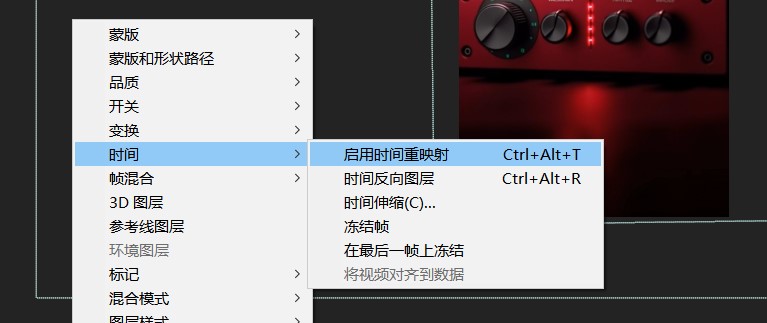
我们可以右键每段素材,在时间界面给每段素材添加一个时间重映:
根据音乐的节奏点,调节视频的节奏,将视频片段进行剪切和变速。
关键原则: 运动快的视频对应急促的鼓点;慢速视频对应和弦的延音。

最后再来看一下成品:
视频生成执行卡
把这节课压缩成一张可执行卡片:看重点、照步骤、避坑,再复制模板直接开做。
这节课不是先追求炫技成片,而是围绕「AI生成MIDI键盘宣传片」先把主体、动作、镜头和节奏稳住。
按原文节奏走最稳:先吃透「步骤 1:Midjourney 首帧概念图锁定——“红色光束”」,再把「步骤 2:多段动态视频素材生成——“动态叙事”」定住,接着处理「步骤 3:剪辑收尾 - 卡点与流畅衔接」;最后回头检查一遍。
- 先定主体和观众第一眼要看到什么。
- 拆成几段关键动作或镜头,再逐段补细。
- 每个镜头把动作、环境和运动方向写明白。
- 先单镜头测试,再串成完整视频。
- 检查节奏、转场、主体一致性和穿帮。
- 把好用的镜头写法留成模板。
不要一上来就生成最终片;先拆镜头、定主体和运动,再逐段生成,否则容易跳轴、穿帮、节奏混乱。
检查主体是否稳定;镜头运动是否明确;前后画面是否连贯;节奏是否服务主题;是否有明显变形或穿帮。
请围绕「AI生成MIDI键盘宣传片」帮我做一个可直接执行的方案。
我的目标是:【填写你的具体目标】
我的素材/产品/角色信息是:【填写已有素材和限制】

请输出:核心创意、分镜表、每个镜头的画面描述、视频生成提示词、剪辑顺序和成片自检清单。要求主体稳定、动作明确、镜头连贯。